A Comprehensive Guide to Antivirus Providers
In an increasingly digital world, the importance of securing your devices and personal information has never been greater. Cyber threats such as malware, viruses, ransomware, and phishing attacks are more prevalent than ever, making antivirus software an essential tool for protecting against these dangers. This article provides a detailed overview of antivirus providers, what to look for in antivirus software, and highlights some of the top players in the market.
1. What is Antivirus Software?
Antivirus software is designed to detect, prevent, and remove malicious software (malware) from your computer or device. It typically scans your system in real-time, identifies potential threats, and takes action to remove or quarantine them. Antivirus software is critical for ensuring the safety and security of your data, privacy, and overall online experience.
2. Key Features of Antivirus Software
When choosing an antivirus provider, there are several key features to consider:
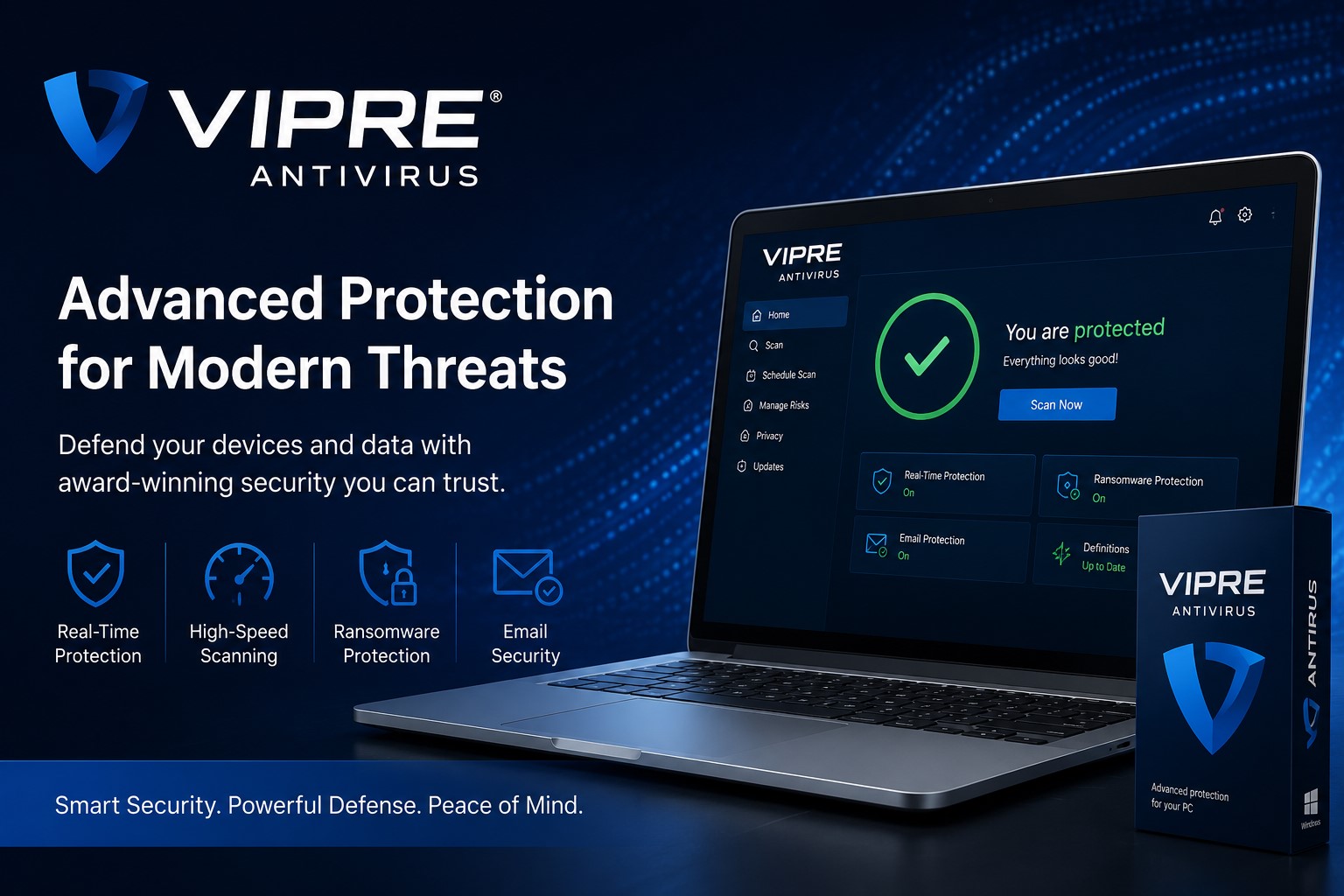
- Real-Time Protection: Real-time protection monitors your system constantly for suspicious activity. This feature helps detect and block malware before it can cause harm.
- Virus and Malware Detection: This is the core function of antivirus software. Providers use various techniques like signature-based detection, heuristic analysis, and behavioral monitoring to identify threats. The best antivirus software can detect both known and unknown malware variants.
- Ransomware Protection: Many modern antivirus programs offer specialized protection against ransomware attacks, which encrypt your files and demand a ransom for their release.
- Firewall: A firewall is designed to block unauthorized access to your system while allowing legitimate traffic to pass through. Some antivirus programs come with an integrated firewall to provide an additional layer of protection.
- Phishing Protection: Phishing attacks use deceptive emails or websites to steal sensitive information like login credentials or financial details. Antivirus software with phishing protection blocks these attempts by scanning URLs and links for malicious activity.
- Web and Email Protection: Antivirus programs often scan websites and email attachments for threats, preventing you from visiting malicious websites or downloading infected files.
- VPN (Virtual Private Network): A VPN encrypts your internet connection, providing privacy and security when browsing the web. Many antivirus providers now offer VPN services as part of their software packages.
- Password Manager: A password manager helps store and manage your passwords securely. Some antivirus providers bundle this tool to help users improve password security.
- Device Optimization Tools: Some antivirus programs offer additional features like system cleaning, privacy protection, and device optimization tools to improve your device’s performance.
3. How to Choose the Right Antivirus Software
Choosing the right antivirus software depends on several factors. Here are some key points to help you make an informed decision:
- Protection Efficacy: The effectiveness of antivirus software is crucial. Look for providers that have high detection rates and minimal false positives. Independent testing labs like AV-Test, AV-Comparatives, and SE Labs can give you an idea of how well an antivirus performs.
- System Performance: Some antivirus programs can slow down your device significantly. If you’re running an older machine or have limited system resources, look for lightweight antivirus software that won’t cause noticeable lag.
- User Interface: The ease of use is important, especially if you’re not tech-savvy. The best antivirus programs have an intuitive and user-friendly interface that makes it easy to set up and navigate.
- Extra Features: Consider what additional features you need. If you value online privacy, look for antivirus software that includes a VPN. If password security is important, choose a program with a password manager.
- Device Compatibility: Make sure the antivirus software you choose is compatible with your operating system. Most antivirus providers support Windows and macOS, but if you’re using a mobile device, check for Android or iOS compatibility.
- Price: Antivirus software can range from free to premium. Free versions may lack advanced features like real-time protection or automatic updates. Premium versions often come with additional tools like firewalls, password managers, and VPNs. Compare the pricing and features of different antivirus solutions to find one that fits your needs and budget.
- Customer Support: Reliable customer support can make a big difference if you run into issues with your antivirus software. Look for providers that offer 24/7 support via phone, email, or chat.
4. Top Antivirus Providers in the Market
Here are some of the top antivirus providers, known for their robust protection, ease of use, and additional features:
1. Norton 360
Pros: Excellent malware detection, strong privacy features, VPN, cloud backup. Cons: A bit pricier than some alternatives.
2. Bitdefender Antivirus Plus
Pros: High detection rates, low system impact, multi-layered protection. Cons: Some features are only available in higher-tier plans.
3. Kaspersky Total Security
Pros: Strong detection rates, low system impact, additional security features. Cons: Some users have concerns about privacy due to the company’s Russian origins.
4. McAfee Total Protection
Pros: Family-friendly, good multi-device support, identity protection. Cons: Can slow down your system during scans.
5. Malwarebytes
Pros: Lightweight, excellent malware removal, user-friendly interface. Cons: Lacks some features like a firewall and password manager compared to other providers.
6. Trend Micro Antivirus+ Security
Pros: Strong malware protection, good web and email protection. Cons: Slower than some competitors in terms of scanning.
7. Windows Defender
Pros: Free, integrated into Windows, minimal system impact. Cons: Limited extra features, not as advanced as some third-party solutions.
8. F-Secure
Pros: Strong detection rates, low system impact, additional security features. Cons: A bit pricier than some alternatives.
5. Conclusion
Choosing the right antivirus provider is essential for protecting your personal information and maintaining the security of your devices. When evaluating antivirus software, consider the protection efficacy, system performance, extra features, and overall usability. Top providers like Norton 360, Bitdefender, Kaspersky, McAfee, and Malwarebytes offer a range of features to suit different needs, whether you’re looking for comprehensive protection or lightweight, malware-removal tools.
While premium solutions may offer more extensive features, free antivirus like Windows Defender can still provide basic protection for users who need a budget-friendly option. Ultimately, the best antivirus software for you will depend on your specific needs, the type of device you use, and your level of technical expertise.
If you’re unsure about which antivirus to choose, look for free trials or money-back guarantees to test the software before committing.





Post Comment