In today’s digital world, data is one of the most valuable assets. Whether you are a home user, a freelancer, or a business owner, losing important files due to system failure, viruses, or accidental deletion can be disastrous. This is where AOMEI Backupper comes in — a powerful and reliable backup and recovery software designed for Windows users.
What Is AOMEI Backupper?
AOMEI Backupper is a professional backup, restore, and disk cloning software developed by AOMEI Technology. It allows users to protect their data by creating full system images, disk backups, partition backups, and file backups.
It supports all major Windows versions, including Windows 11, Windows 10, Windows 8, Windows 7, and Windows Server editions.
Key Features of AOMEI Backupper
Create a full image of your Windows system, including OS, programs, and settings, and restore everything easily if your PC crashes.
Backup entire drives or selected partitions for full data protection.
Choose only important files and folders to save storage space and time.
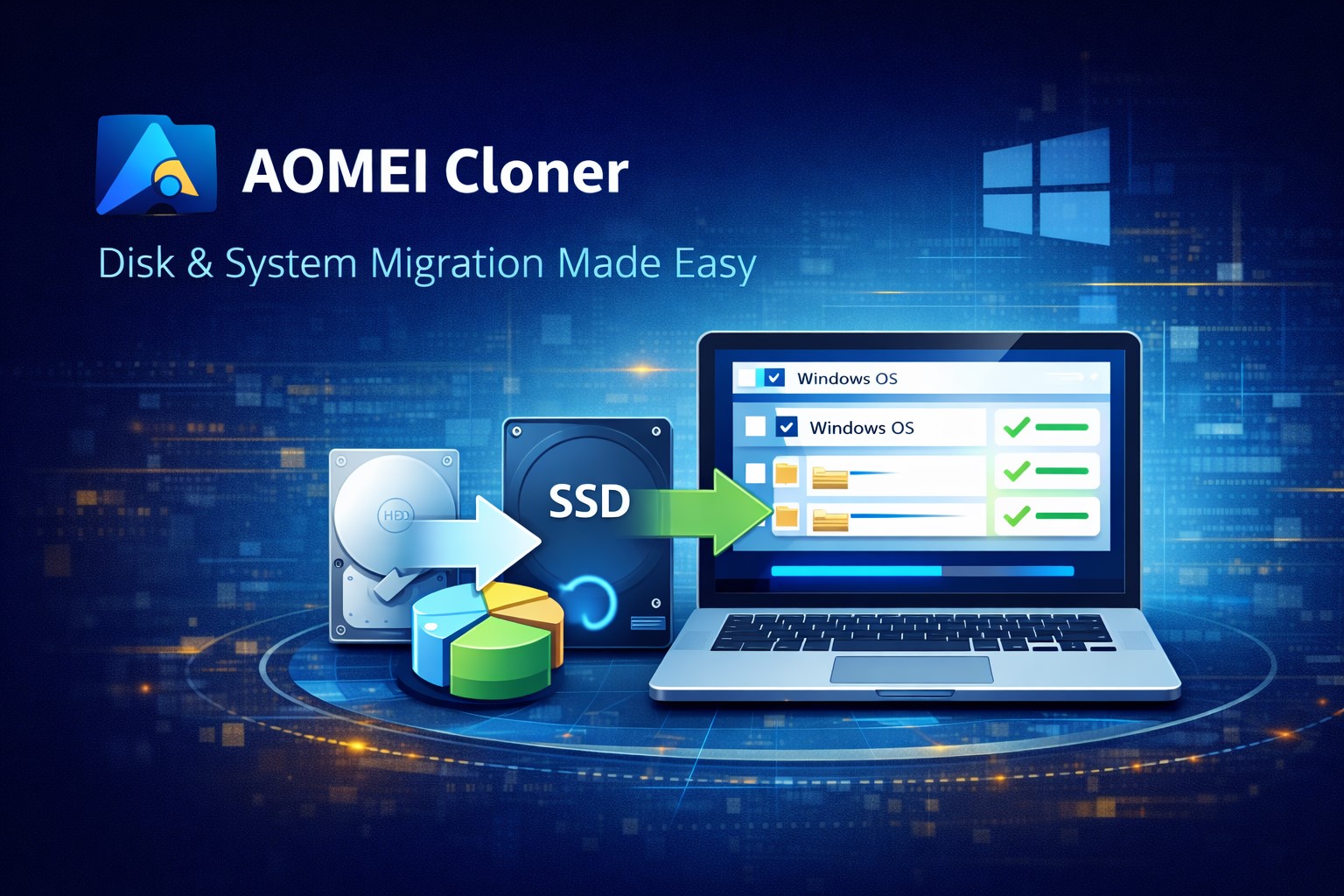
Clone HDD to SSD or another drive without reinstalling Windows.
Automate backups daily, weekly, or monthly.
Only backup changes to save space and speed up the process.
Recover your system even if Windows won’t start.
Why Choose AOMEI Backupper?
- User-friendly interface
- Fast backup and restore speed
- Reliable data protection
- Free version available
- Professional editions for advanced users
Free vs Professional Version
The free version provides basic backup, restore, and disk cloning. The professional version adds advanced tools like system cloning, universal restore, and real-time file sync.
Conclusion
AOMEI Backupper is a complete and powerful backup solution for Windows users. Whether you want to protect your files, secure your operating system, or upgrade your hard drive, AOMEI Backupper makes it easy and safe.








Post Comment